Skip to content

Fix web modal backdrop staying hidden when it opens during a delayed animation frame - #104332

Draft
MelvinBot wants to merge 5 commits into
mainfrom
claude-fixModalBackdropEnteringWeb
Draft

MelvinBot wants to merge 5 commits into
mainfrom
claude-fixModalBackdropEnteringWeb

Conversation

@MelvinBot

Copy link
Copy Markdown
Contributor

Explanation of Change

On web, the modal backdrop faded in through a Reanimated entering keyframe. Reanimated renders such an element with visibility: hidden, applies the keyframe on the next requestAnimationFrame, and shows the element again only in onanimationstart. It also schedules a timer (about 160 ms with our 1 ms web duration) that deletes the generated @keyframes rule. If the next animation frame arrives after that timer, for example in a background tab or during a busy startup, the animation never starts and the backdrop stays hidden for good. That's why the app review modal, which opens by itself at startup, sometimes showed without the dimmed backdrop.

This PR fades the backdrop in with a shared value and withTiming, the same way Container already fades the modal card in. The entering keyframe is removed, so Reanimated never hides the element. A late frame can only delay the fade. The Exiting keyframe stays as is, because exiting animations are applied right away. This fixes every modal that uses this backdrop on web. Native is not affected.

I also added a unit test that checks the web backdrop renders without an entering animation. It fails on main and passes with this change.

Fixed Issues

$ #104039
PROPOSAL: #104039 (comment)

Tests

// TODO: The human co-author must fill out the tests you ran before marking this PR as "ready for review"
// Please describe what tests you performed that validates your changed worked.

  • Verify that no errors appear in the JS console

Offline tests

QA Steps

// TODO: The human co-author must fill out the QA tests you ran before marking this PR as "ready for review".
// Please describe what QA needs to do to validate your changes and what areas do they need to test for regressions.

  • Verify that no errors appear in the JS console

PR Author Checklist

  • I linked the correct issue in the ### Fixed Issues section above
  • I wrote clear testing steps that cover the changes made in this PR
    • I added steps for local testing in the Tests section
    • I added steps for the expected offline behavior in the Offline steps section
    • I added steps for Staging and/or Production testing in the QA steps section
    • I added steps to cover failure scenarios (i.e. verify an input displays the correct error message if the entered data is not correct)
    • I turned off my network connection and tested it while offline to ensure it matches the expected behavior (i.e. verify the default avatar icon is displayed if app is offline)
    • I tested this PR with a High Traffic account against the staging or production API to ensure there are no regressions (e.g. long loading states that impact usability).
  • I included screenshots or videos for tests on all platforms
  • I ran the tests on all platforms & verified they passed on:
    • Android: Native
    • Android: mWeb Chrome
    • iOS: Native
    • iOS: mWeb Safari
    • MacOS: Chrome / Safari
  • I verified there are no console errors (if there's a console error not related to the PR, report it or open an issue for it to be fixed)
  • I verified any copy / text that was added to the app is either coming verbatim from figma or has been approved by marketing (in order to get marketing approval, ask the Bug Zero team member to add the Waiting for copy label to the issue)
  • If a new code pattern is added I verified it was agreed to be used by multiple Expensify engineers
  • I tested other components that can be impacted by my changes (i.e. if the PR modifies a shared library or component like Avatar, I verified the components using Avatar are working as expected)
  • If new assets were added or existing ones were modified, I verified that:
    • The assets are optimized and compressed (for SVG files, run npm run compress-svg)
    • The assets load correctly across all supported platforms.
  • If the PR modifies code that runs when editing or sending messages, I tested and verified there is no unexpected behavior for all supported markdown - URLs, single line code, code blocks, quotes, headings, bold, strikethrough, and italic.
  • If the PR modifies a generic component, I tested and verified that those changes do not break usages of that component in the rest of the App (i.e. if a shared library or component like Avatar is modified, I verified that Avatar is working as expected in all cases)
  • If the PR modifies a component related to any of the existing Storybook stories, I tested and verified all stories for that component are still working as expected.
  • If the PR modifies a component or page that can be accessed by a direct deeplink, I verified that the code functions as expected when the deeplink is used - from a logged in and logged out account.
  • If the PR modifies the UI (e.g. new buttons, new UI components, changing the padding/spacing/sizing, moving components, etc) or modifies the form input styles:
    • I verified that all the inputs inside a form are aligned with each other.
    • I added Design label and/or tagged @Expensify/design so the design team can review the changes.
  • If the PR adds or modifies the UI:
    • I asked an AI agent to review the changes for accessibility issues and addressed its findings.
    • I tested with a screen reader (VoiceOver on macOS) and verified all new/changed elements are reachable with a logical focus order.
    • I verified all new/changed elements have meaningful accessible names and roles.
    • I verified state changes are announced (e.g. checked/unchecked, expanded/collapsed, selected).
  • I added unit tests for any new feature or bug fix in this PR to help automatically prevent regressions in this user flow.
  • If the main branch was merged into this PR after a review, I tested again and verified the outcome was still expected according to the Test steps.

Screenshots/Videos

Android: Native
Android: mWeb Chrome
iOS: Native
iOS: mWeb Safari
MacOS: Chrome / Safari

…ring keyframe

Reanimated hides an element with an entering keyframe until the animation
starts, but it can delete the keyframe before the next animation frame (for
example in a background tab or during a busy startup). The backdrop then stays
hidden for good. Animate opacity with a shared value, like Container does.

Co-authored-by: nkdengineer <nkdengineer@users.noreply.github.com>
@MelvinBot
MelvinBot requested a review from a team October 19, 2026 08:00
@melvin-bot melvin-bot Bot added Melvin-Test-Android Melvin-Test-Web Triggers Melvin to run the testing steps of the PR on web labels Oct 19, 2026
@MelvinBot

Copy link
Copy Markdown
Contributor Author

I created this PR from an upstream branch since I don't have push access to your fork.

To take ownership of this branch and be able to push updates, run:

git remote add upstream https://github.com/Expensify/App.git
git fetch upstream claude-fixModalBackdropEnteringWeb
git checkout -b claude-fixModalBackdropEnteringWeb upstream/claude-fixModalBackdropEnteringWeb
git push -u origin claude-fixModalBackdropEnteringWeb

Then you can close this PR and open a new one from your fork.

@MelvinBot

MelvinBot commented Oct 19, 2026 •

Copy link
Copy Markdown
Contributor Author

🤖 Android test steps verification results: ⚠️ partial

The PR's Tests section is still a TODO, so I used the steps from the linked issue plus a backdrop regression check. Sign-in worked and the app ran without errors or crashes. However, the confirm-modal backdrop checks were not completed: tapping Sign out while online signs you out right away by design (src/hooks/useSignOut.ts:73-75), so no modal appeared, and signing back in needed a magic code. This is a test-plan gap, not a regression. The PR only changes Backdrop/index.web.tsx, which Android does not load.
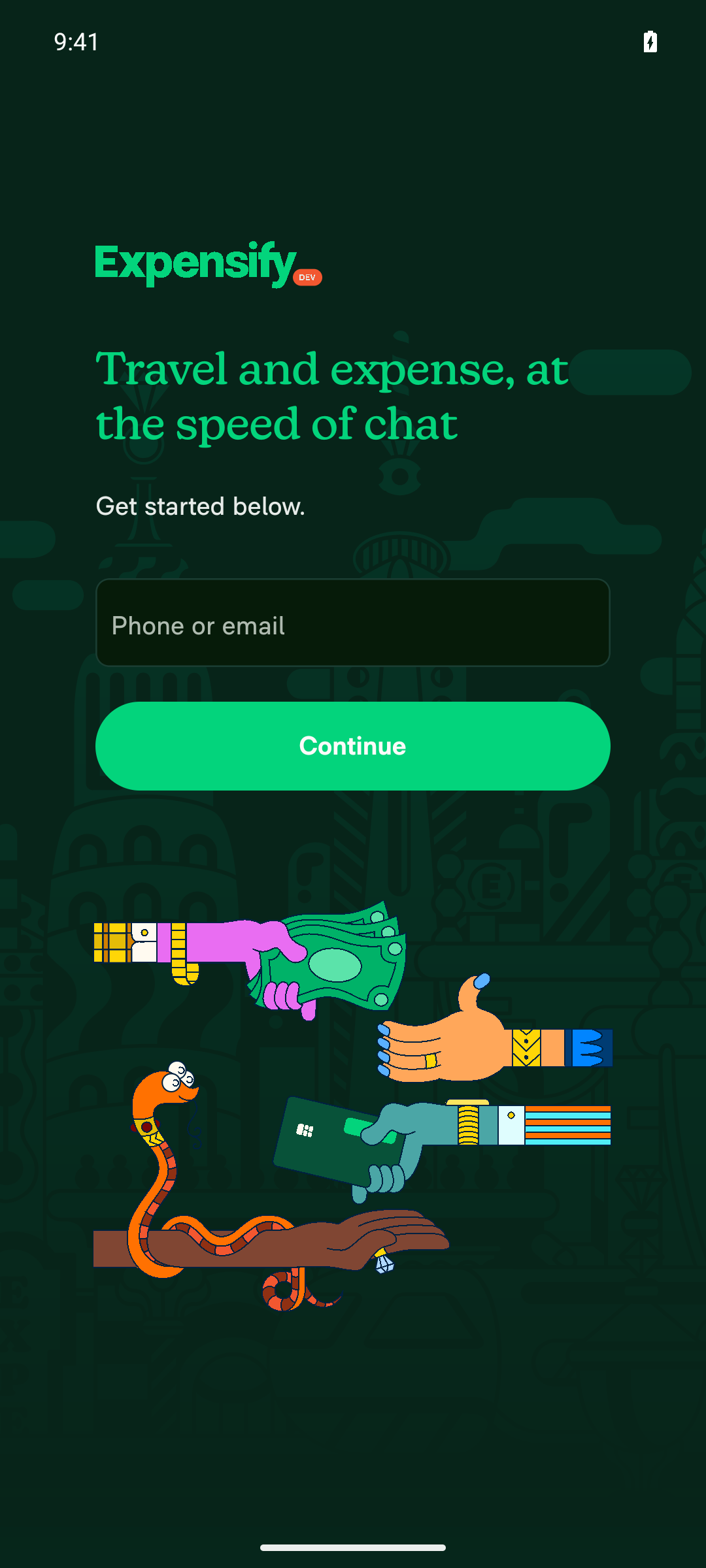
Sign-in screen after tapping Sign out while online

Step Status
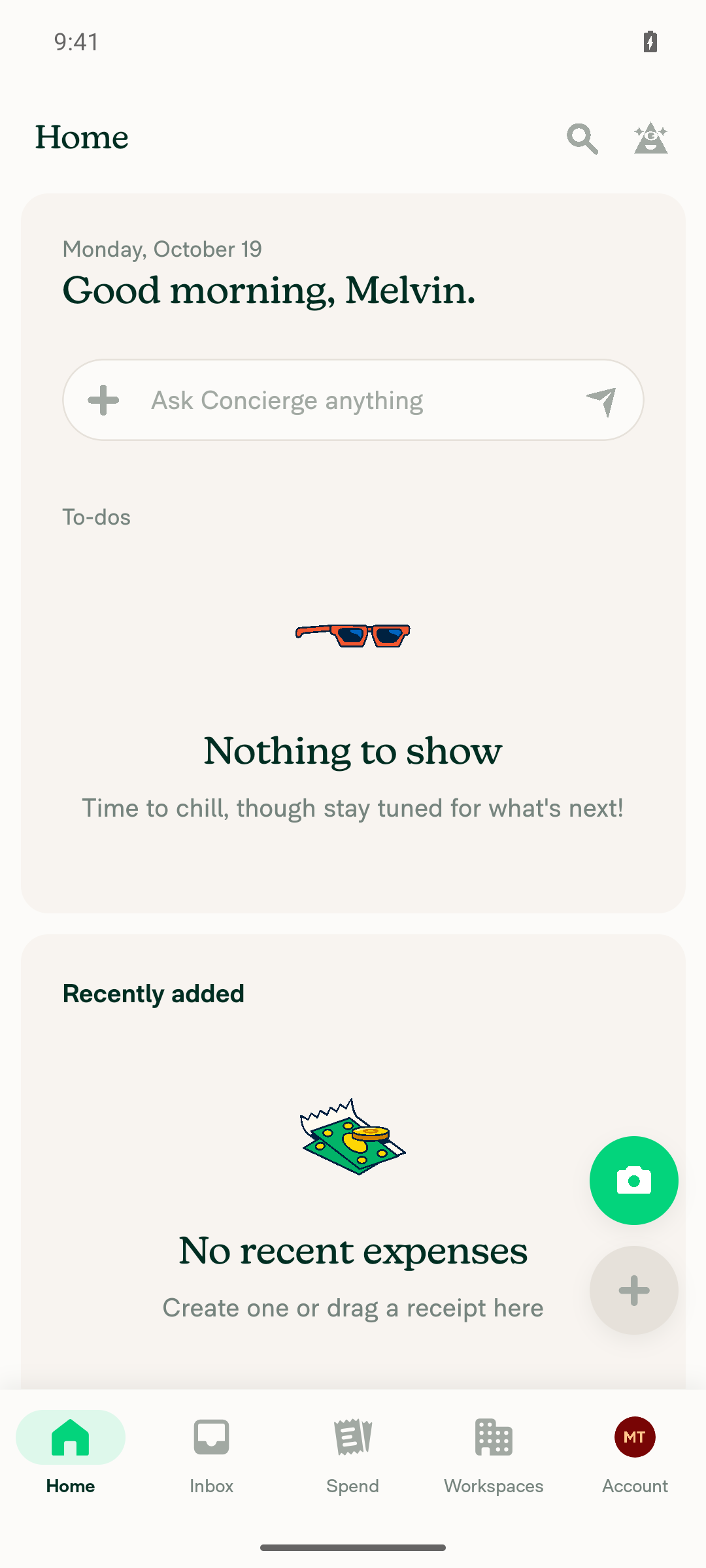
After signing in, the app loads to the inbox with no error or crash.The app reached Home/Inbox ("Good morning, Melvin.") with no error banners or crashes.
Inbox loaded after sign-in and onboarding
✅
Open a confirm modal (Account > Sign out) and check for a dimmed backdrop.Not verified. Online sign-out skips the confirm modal by design, so the app went straight to the sign-in screen. This step was the wrong way to open a confirm modal; it does not indicate a bug.
Sign-in screen after tapping Sign out while online
⚠️
If the "Are you enjoying New Expensify?" app review modal appears, it shows a dimmed backdrop.Not reproducible. The new test account does not qualify for the app review prompt, so the modal never appeared.
⚠️
Cancel the confirm modal; it closes fully with no leftover dimming.Blocked. No confirm modal opened in step 2.
⚠️
Open a second confirm modal elsewhere, check the dimmed backdrop, then cancel.Blocked. The session was signed out, and signing back in required a magic code that the test run cannot read.
⚠️
No red-box errors or crashes appear during the run.No red-box errors or crashes were seen at any point.
✅

view run · view recording

@MelvinBot

MelvinBot commented Oct 19, 2026 •

Copy link
Copy Markdown
Contributor Author

🤖 Web test steps verification results: ⚠️ partial

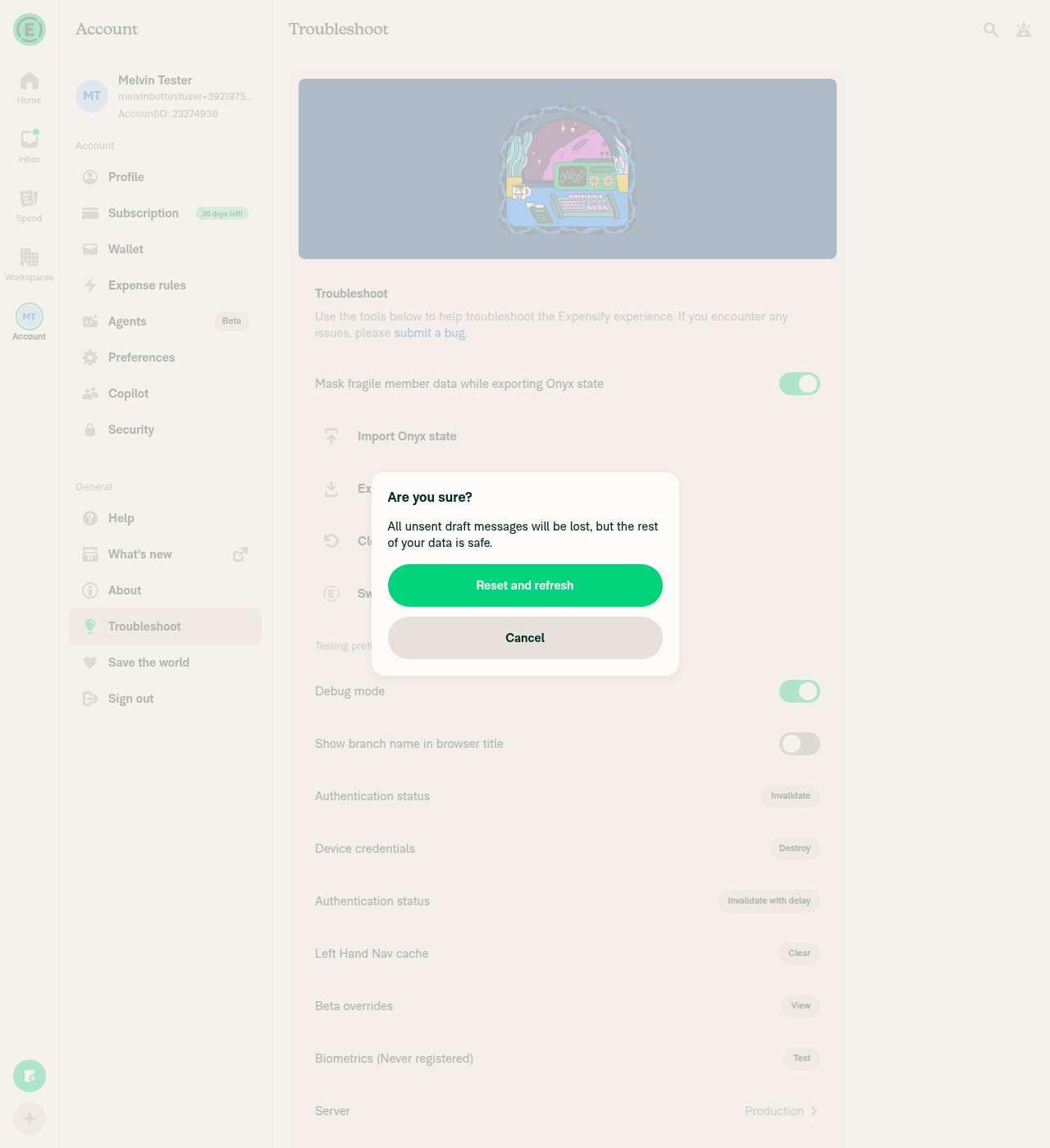
The app loaded cleanly, and a confirm modal ("Clear cache and restart") opened with a dimmed backdrop and closed fully. The PR's main repro was blocked: the test browser can't set the nvp_appReview Onyx key or read computed CSS, so the app review modal never opened. The PR's Tests section is still a TODO, so these steps come from the linked issue.
Confirm modal cancelled, backdrop fully cleared

Step Status
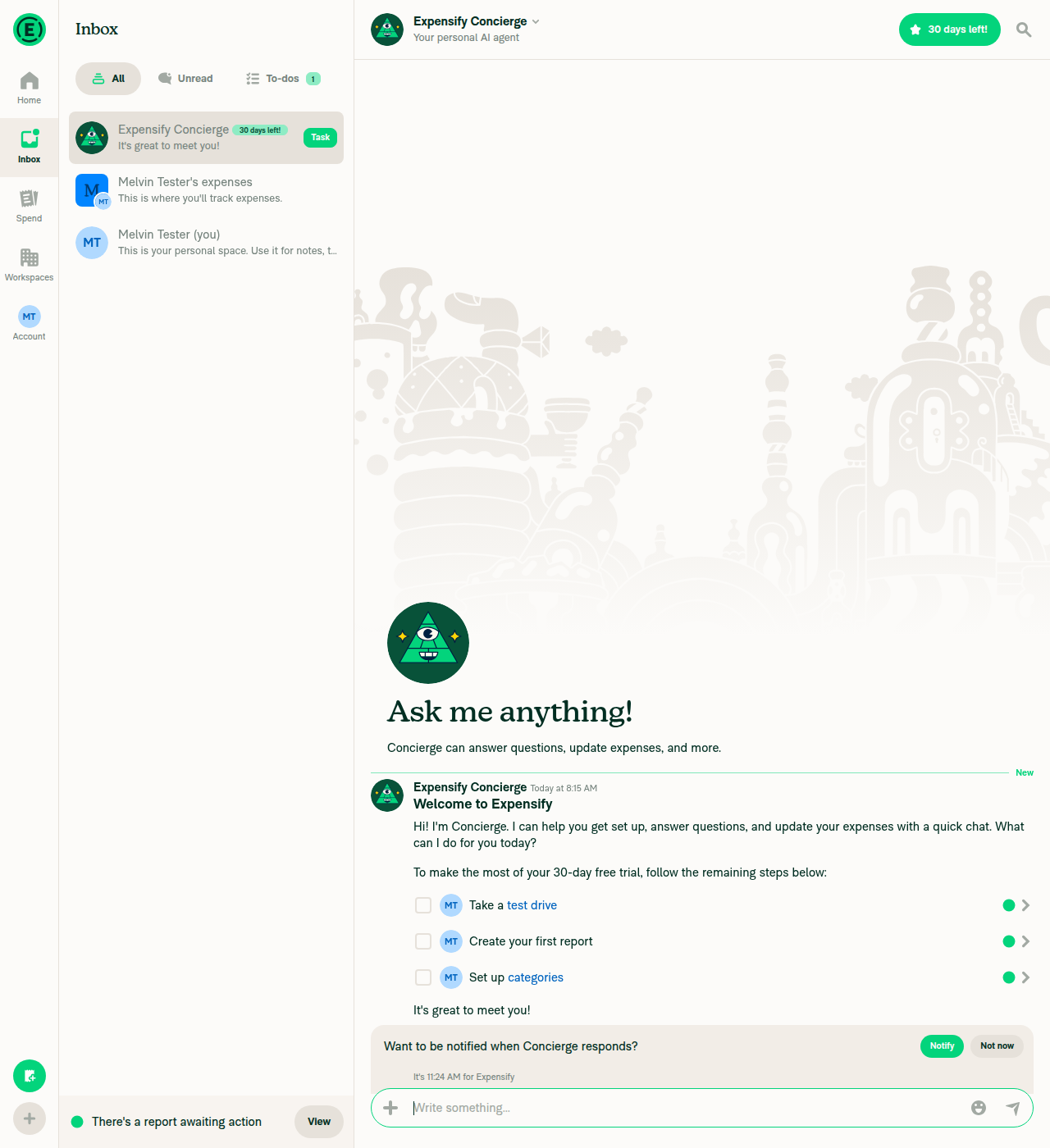
After finishing onboarding, the app loads to the inbox with no errors.Onboarding finished and the app landed on the Inbox with no error banners. The last 25 network requests all returned 200.
Inbox loaded after onboarding with no error banners
✅
Set nvp_appReview to {trigger: 'test'}, reload, and confirm the app review modal opens with a dimmed backdrop.Blocked. The test browser can't edit storage or run page scripts. The in-app "Import Onyx state" tool needs a file upload, which is also unavailable. The app review modal never opened.
⚠️
Inspect the backdrop's computed visibility and opacity in the DOM.Blocked. Step 2 never opened the modal, and the test browser only reads the accessibility tree, not computed CSS.
⚠️
Dismiss the app review modal; the modal and backdrop close fully.Blocked. Depends on step 2.
⚠️
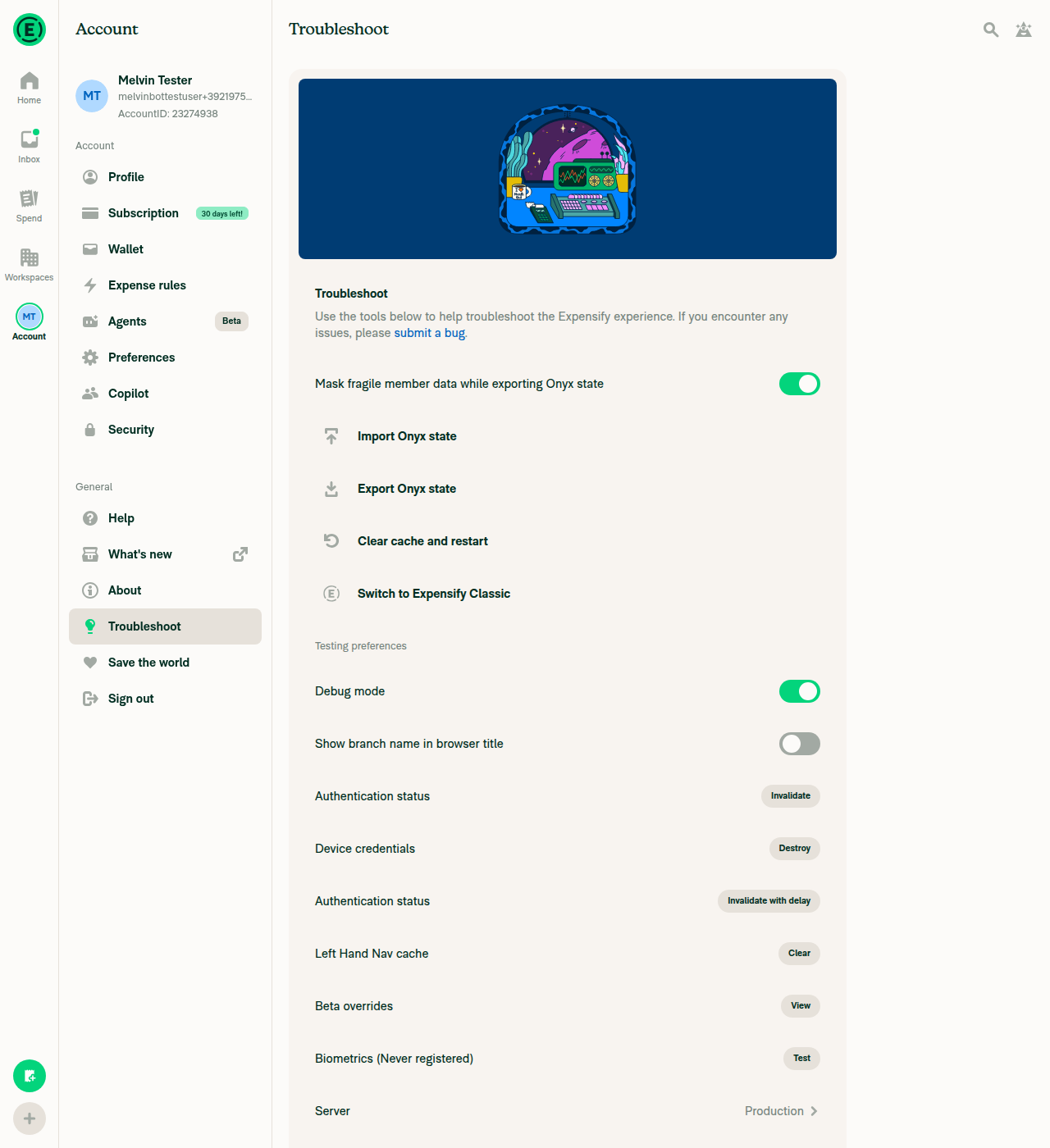
Open another confirm modal (Troubleshoot > Clear cache and restart), check the dimmed backdrop, then cancel.The "Are you sure?" modal opened with a clearly dimmed backdrop. Cancel closed it fully with no leftover dimming. The numeric opacity and visibility values could not be read.
Clear cache and restart confirm modal with dimmed backdrop
Confirm modal cancelled, backdrop fully cleared
⚠️
Repeat the app review modal reload two more times.Blocked. Depends on step 2.
⚠️
No errors related to the modal or backdrop appear in the JS console.The console could not be captured on web. No error toasts or banners appeared, and all captured network requests returned 200.
⚠️

view run · view recording


useEffect(() => {
if (!isBackdropVisible) {
progress.set(0);

Copy link
Copy Markdown
Contributor

Choose a reason for hiding this comment

The reason will be displayed to describe this comment to others. Learn more.

@MelvinBot Let's remove this line; we shouldn't need to set the progress to 0 again as we need to keep the opacity for exiting animation.

Copy link
Copy Markdown
Contributor Author

Choose a reason for hiding this comment

The reason will be displayed to describe this comment to others. Learn more.

Done. I removed progress.set(0) in b93073a. When the backdrop hides, the effect now returns early, so the exiting fade-out keeps its opacity.

Lint, typecheck, and ReanimatedModalBackdropWebTest pass.

One edge case: if the modal reopens while the parent backdrop is still mounted on web, progress is already 1. The backdrop then shows at full opacity without fading in. Let me know if you want me to reset progress to 0 right before the fade-in starts.


view run

Copy link
Copy Markdown
Contributor

Choose a reason for hiding this comment

The reason will be displayed to describe this comment to others. Learn more.

@MelvinBot Yeah, let's reset progress to 0 right before fade-in starts.

Copy link
Copy Markdown
Contributor Author

Choose a reason for hiding this comment

The reason will be displayed to describe this comment to others. Learn more.

Done in 8f360bd. The effect now sets progress to 0 right before the fade-in starts. The hide path still leaves progress alone, so the exiting fade-out keeps its opacity.

Lint, typecheck, and ReanimatedModalBackdropWebTest pass.


view run

…m full opacity

Co-authored-by: nkdengineer <nkdengineer@users.noreply.github.com>
@nkdengineer

Copy link
Copy Markdown
Contributor

@codex Review.

@chatgpt-codex-connector

chatgpt-codex-connector Bot commented Oct 20, 2026 •

Copy link
Copy Markdown

Codex Review Summary

This comment shows the latest Codex review activity on this pull request.

Review Status Commit Review trigger
📝 Code Review ✅ Completed 2026-10-20T07:43:34.527925Z 3123b35 Manual request
ℹ️ About Codex in GitHub

Your team has set up Codex to review pull requests in this repo. Reviews are triggered when you

  • Open a pull request for review
  • Mark a draft as ready
  • Comment "@codex review" or "@codex security review".

Codex reacts with 👀 while any review is running, comments if it has suggestions, and reacts with 👍 once all reviews finish with no findings.

@chatgpt-codex-connector

Copy link
Copy Markdown

Codex Review: Didn't find any major issues. Keep it up!

Reviewed commit: b93073afc4

ℹ️ About Codex in GitHub

Codex has been enabled to automatically review pull requests in this repo. Reviews are triggered when you

  • Open a pull request for review
  • Mark a draft as ready
  • Comment "@codex review".

If Codex has suggestions, it will comment; otherwise it will react with 👍.

When you sign up for Codex through ChatGPT, Codex can also answer questions or update the PR, like "@codex address that feedback".

Co-authored-by: nkdengineer <nkdengineer@users.noreply.github.com>
@nkdengineer

Copy link
Copy Markdown
Contributor

@codex review

@chatgpt-codex-connector chatgpt-codex-connector Bot left a comment

Copy link
Copy Markdown

Choose a reason for hiding this comment

The reason will be displayed to describe this comment to others. Learn more.

💡 Codex Review

Here are some automated review suggestions for this pull request.

Reviewed commit: 8f360bdc8c

ℹ️ About Codex in GitHub

Codex has been enabled to automatically review pull requests in this repo. Reviews are triggered when you

  • Open a pull request for review
  • Mark a draft as ready
  • Comment "@codex review".

If Codex has suggestions, it will comment; otherwise it will react with 👍.

When you sign up for Codex through ChatGPT, Codex can also answer questions or update the PR, like "@codex address that feedback".

Comment on lines +34 to +36
progress.set(0);
progress.set(withTiming(1, {duration: animationInTiming, easing, reduceMotion: ReduceMotion.Never}));
}, [animationInTiming, isBackdropVisible, progress]);

Copy link
Copy Markdown

Choose a reason for hiding this comment

The reason will be displayed to describe this comment to others. Learn more.

P2 Badge Avoid restarting the backdrop when timing changes

When an open centered or right-docked modal crosses the small-screen breakpoint, Modal/index.tsx changes animationInTiming (for example, from the desktop 120/150 ms timing to 300 ms). That dependency reruns this effect and resets progress to zero, making the already-visible backdrop disappear and fade in again even though the modal was never reopened. Trigger the reset only on a false-to-true visibility transition, or otherwise guard timing-only updates.

Useful? React with 👍 / 👎.

Copy link
Copy Markdown
Contributor

Choose a reason for hiding this comment

The reason will be displayed to describe this comment to others. Learn more.

@MelvinBot Update this.

Copy link
Copy Markdown
Contributor Author

Choose a reason for hiding this comment

The reason will be displayed to describe this comment to others. Learn more.

Done in 3123b35. A wasBackdropVisible ref now tracks the last visibility. The effect resets progress and fades in only when the backdrop goes from hidden to visible. If only animationInTiming changes, the visible backdrop stays as it is.

I used a ref instead of usePrevious because usePrevious starts with the current value. With it, a backdrop that mounts as visible would skip its first fade-in.

Lint, typecheck, and ReanimatedModalBackdropWebTest pass.


view run

Co-authored-by: nkdengineer <nkdengineer@users.noreply.github.com>
@nkdengineer

Copy link
Copy Markdown
Contributor

@codex review.

@chatgpt-codex-connector chatgpt-codex-connector Bot left a comment

Copy link
Copy Markdown

Choose a reason for hiding this comment

The reason will be displayed to describe this comment to others. Learn more.

💡 Codex Review

Here are some automated review suggestions for this pull request.

Reviewed commit: 3123b353a8

ℹ️ About Codex in GitHub

Codex has been enabled to automatically review pull requests in this repo. Reviews are triggered when you

  • Open a pull request for review
  • Mark a draft as ready
  • Comment "@codex review".

If Codex has suggestions, it will comment; otherwise it will react with 👍.

When you sign up for Codex through ChatGPT, Codex can also answer questions or update the PR, like "@codex address that feedback".

Comment on lines +38 to +39
progress.set(0);
progress.set(withTiming(1, {duration: animationInTiming, easing, reduceMotion: ReduceMotion.Never}));

Copy link
Copy Markdown

Choose a reason for hiding this comment

The reason will be displayed to describe this comment to others. Learn more.

P2 Badge Reset progress before painting a reopened backdrop

When isBackdropVisible changes false→true without unmounting Backdrop—for example, when the raw isVisible prop is toggled during an in-progress modal transition—progress still contains its previous nonzero value when the Animated.View is reinserted. Because this reset runs in a passive effect, the backdrop can paint once at the stale opacity, then snap to zero and begin fading in; the former entering keyframe kept it hidden until animation start. Reset the value before paint or otherwise ensure the newly inserted view initially receives zero opacity.

Useful? React with 👍 / 👎.

@nkdengineer

Copy link
Copy Markdown
Contributor

@MelvinBot Please address this by switching the fade-in effect from useEffect to useLayoutEffect:

  • When the Animated.View mounts again, Reanimated renders it with the current value of progress (still the old value). A passive useEffect can run after paint, so one frame shows the old opacity.
  • useLayoutEffect runs before paint. Reanimated web applies progress.set(0) in a microtask, which also runs before paint. So the reinserted view gets opacity 0 before its first frame.

Keep everything else as it is: the wasBackdropVisible guard, and no reset on hide. Also add a short comment above the effect explaining why it's a layout effect, so nobody changes it back to useEffect.

… never paints at the old opacity

Co-authored-by: nkdengineer <nkdengineer@users.noreply.github.com>
@MelvinBot

Copy link
Copy Markdown
Contributor Author

Done in 6ce73bd. The fade-in effect now uses useLayoutEffect, so progress resets to 0 before a reinserted backdrop paints its first frame.

I added a comment above the effect that explains why it must stay a layout effect. The wasBackdropVisible guard is unchanged, and the hide path still doesn't reset progress.

Lint, typecheck, and ReanimatedModalBackdropWebTest pass.


view run

@MelvinBot

Copy link
Copy Markdown
Contributor Author

⚠️ MelvinBot CI Fix Loop Detected

MelvinBot has made 5 consecutive commits trying to fix CI failures. Automatic CI fix dispatches are now paused for this PR.

Next steps: A human should review the recent commits and resolve the conflicting CI errors manually.

This branch has not been deployed

No deployments
Sign up for free to join this conversation on GitHub. Already have an account? Sign in to comment

Labels

Melvin-Test-Android Melvin-Test-Web Triggers Melvin to run the testing steps of the PR on web

Projects

None yet

Development

Successfully merging this pull request may close these issues.

2 participants